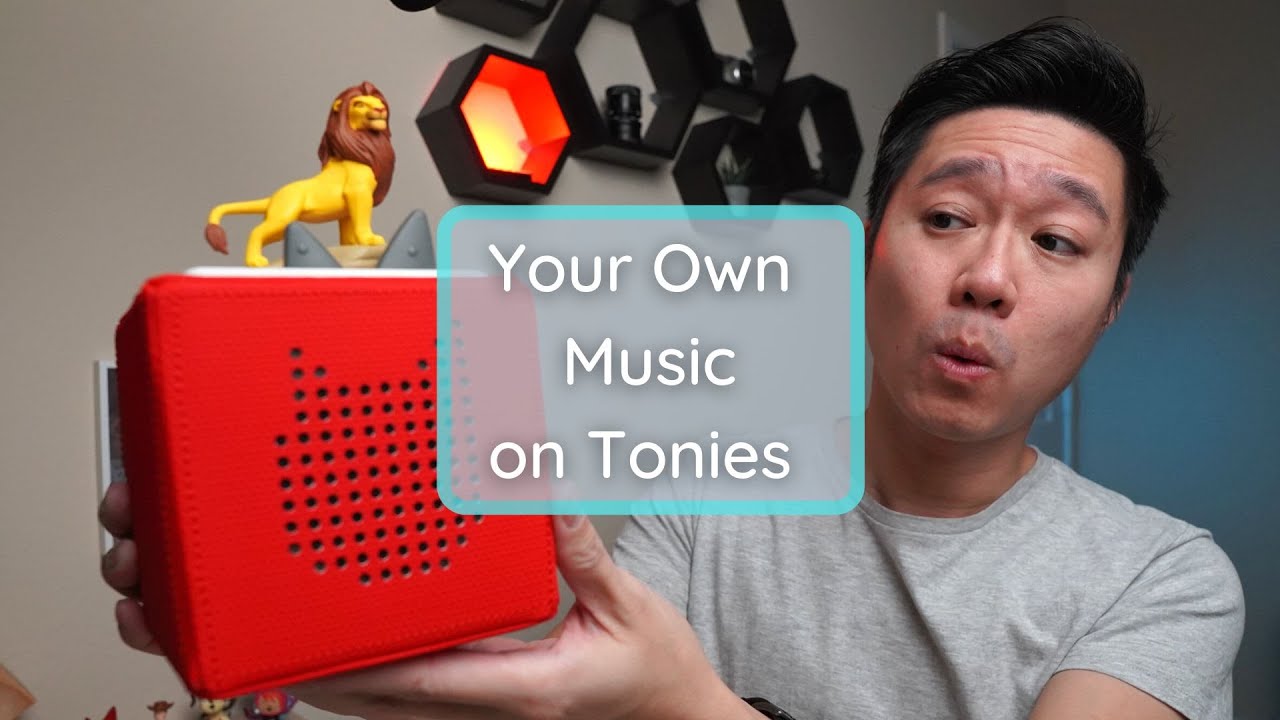
How to Add Free Music to Creative Tonies Easily
If you’re looking to expand the content on your Creative Tonies without spending money, there is a way to access free songs and narratives directly from Tonies themselves. Furthermore, if you have your own music files, the system allows for uploading custom audio, giving parents significant control over what their child listens to long-term.
The process works by linking the Creative Tonies to the Toniebox, which acts as the central hub for all the content management. The setup is done primarily through a web browser on a computer, although the steps are transferable to mobile devices.
What Do I Need Before Starting?
Before diving into adding new tracks, two initial components must be in place:
- The Hardware: You need the Toniebox and the physical Creative Tonies.
- The Connection: Ensure the Creative Tony is correctly linked to your Toniebox. If it’s a blank one, you will see instructions on how to link it.
- Audio Files (Optional): For uploading personal music, specific file types are supported. However, if you are only using free content, no external files are needed.
How Do I Upload My Own Music?
Uploading custom tracks is straightforward once the device is set up via the official website:
- Access the Portal: On a laptop or desktop, navigate to my.tonies.com and sign in using your Toniebox credentials.
- Select the Tony: From the dashboard, locate and click on the specific Creative Tony you wish to edit.
- Upload Files: Use the “upload” function. The system allows users to either drag-and-drop files from their library or browse for them. Kevin noted that the maximum file size allowed does not exceed one gigabyte.
- Manage Content: After uploading, you can reorder the music tracks and rename them within the platform for easier recognition later.
- Save & Sync: It is crucial to click save content, and then update the Toniebox by holding any Tony near it until the light blinks blue, signaling a successful download and synchronization of your new audio.
Where Can I Find Free Content Narratives?
The easiest way to add free material is by utilizing the built-in library provided by Tonies:
- Selecting Free Tracks: Return to the editing screen and select the “free for you” option. This reveals a large list of available songs, audio narratives (such as educational segments about dinosaurs), and stories.
- Adding Content: Simply select the desired free piece—like a narrative on Martin Luther King Jr. or a Lunar New Year story—and add it to your Creative Tony. No uploading is required for this content.
- Viewing Available Libraries: The “audio library” section provides an alternative way to see what music and speeches are available, which can help prevent duplicating songs across multiple Tonies.
Is There a Difference Between the Computer and Phone Methods?
The process on the phone mirrors the computer experience closely, provided the Creative Tony is linked and audio files (if applicable) are downloaded onto the mobile device beforehand. The core steps involve accessing the content management section via the app interface to select from “free for you” or to upload local files.
What Are the Limitations of Using Free Content?
While free content is valuable, there are limitations parents should be aware of:
- Brand Exclusivity: Most of the free songs and narratives originate from Tonies’ own catalogue. You will not find copyrighted material from other major studios (e.g., Disney or Nickelodeon) available in this free pool, even if those themes exist elsewhere.
- Content Expiration: Some free content may display status indicators like “expired free content,” meaning it can no longer be assigned to a Tony, although previously assigned tracks should remain functional.
The Final Verdict
The Creative Tonies are a viable option for parents who want customizable listening experiences because the ability to upload personal MP3 files means the music library is never limited by current retail partnerships or trends in children’s taste. While you cannot access third-party copyrighted songs, the combination of free content selection and self-uploading provides significant long-term value.
Disclaimer: Some of the links below are affiliate links, meaning I may earn a small commission at no extra cost to you if you decide to purchase.
Where to buy

As an Amazon Associate I earn from qualifying purchases. Some links on this page are affiliate links — I may earn a small commission at no extra cost to you. Prices shown are accurate as of 2026-10-05 and may change.